Installing the Playwright MCP server via the Microsoft Playwright extension in VS Code is based.
- If you’re looking to get into writing tests yourself, the “Playwright Test for VSCode” extension will help take you to your testing wonderland.
- If you’re looking to have your Copilot Agent write them for you, here were some of my highlights:
Working on an authentication system, I took an initial 3-phase approach:
- Created an initial, simple test flow for a ‘guest + CSRF token’ check.
- Then created a test for a ‘registration + verify token’ flow.
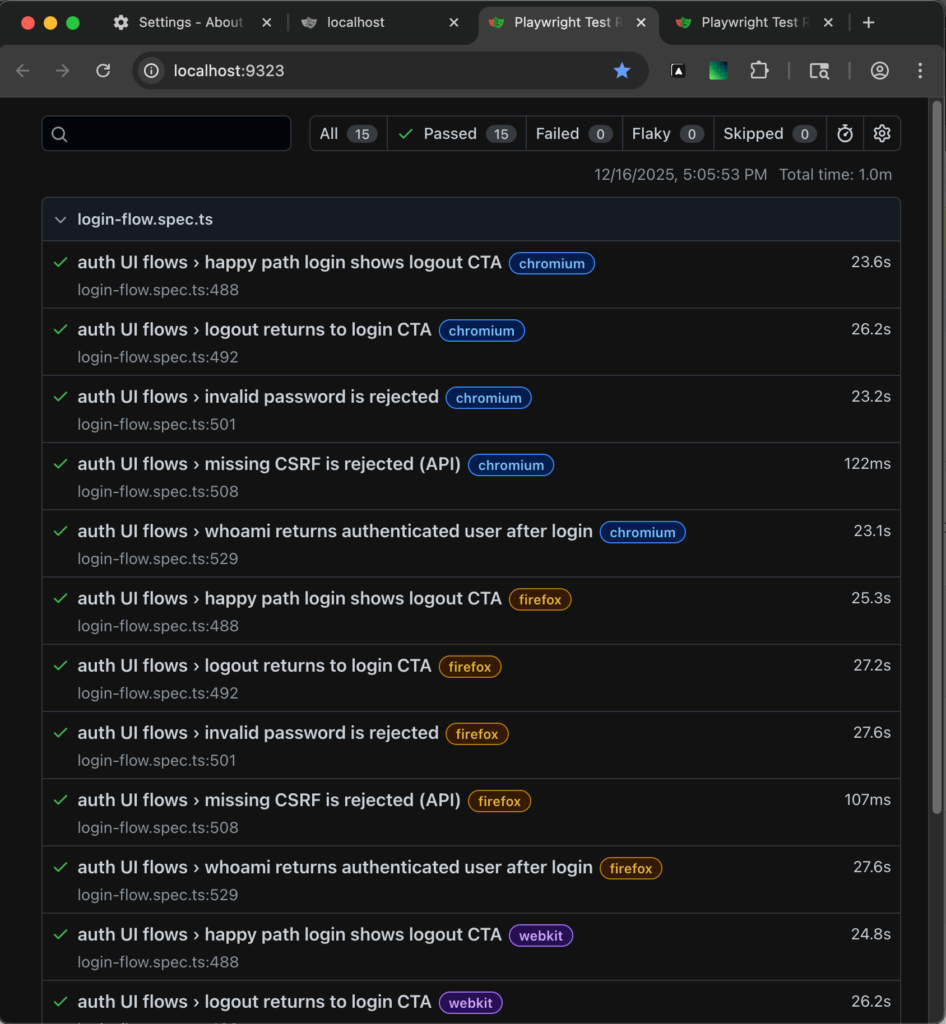
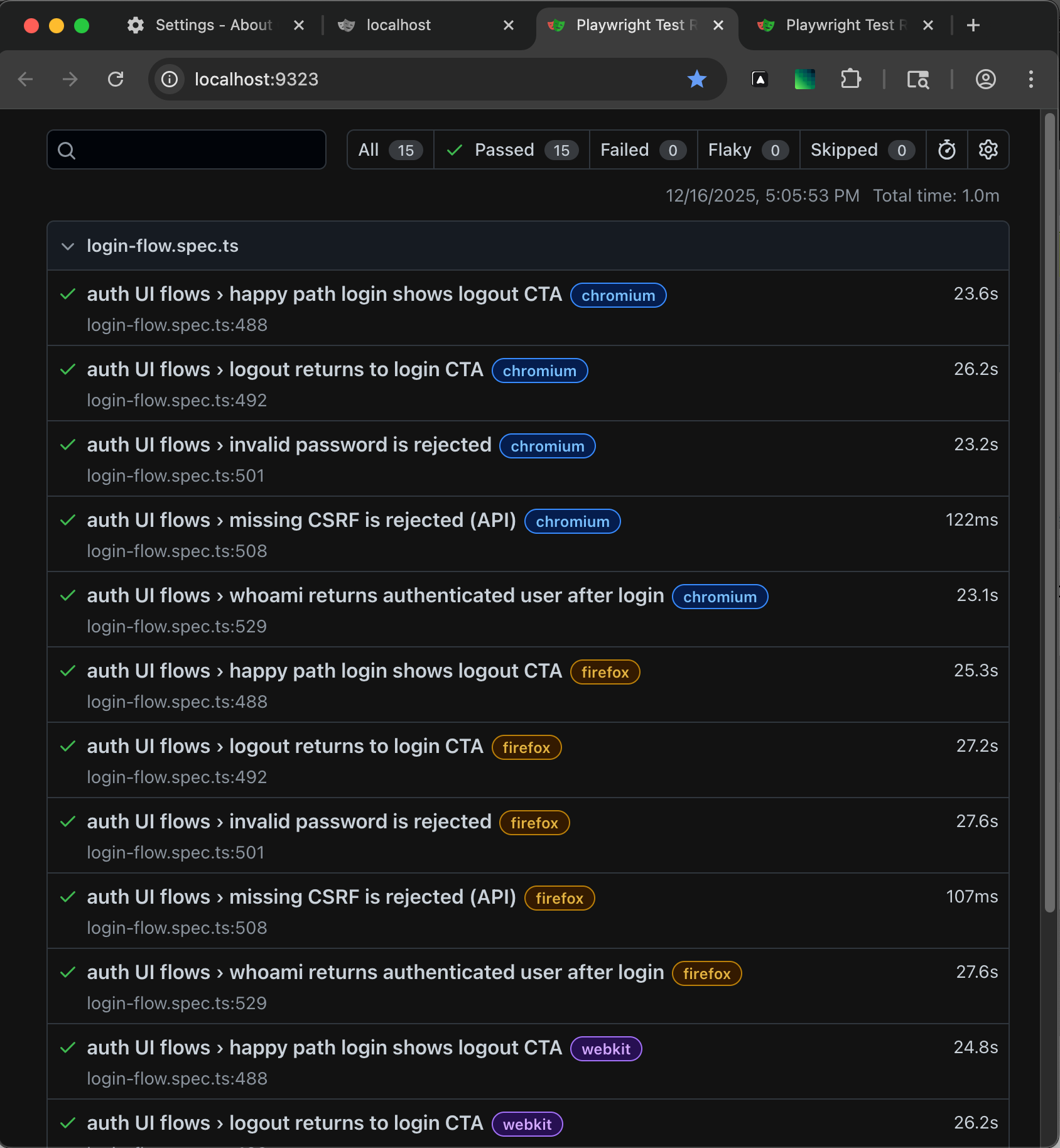
- Then created a test flow for logging in and logging out.
Learning the setup and getting the tests created took a LOT of tedious back-and-forth and coaxing with the Copilot Agent (GPT-5.1-Codex-Max) over the course of a couple days (normal dev conversion ≈ one day).
Re: coaxing — half the time I swear it’s giving me a list of things to do. 😅
Working with Nuxt, initially the agent had a lot of issues connecting to the Nuxt app via the MCP server, but after a handful of back-and-forths with the agent trying out a few different potential solutions, the agent was able to figure it out, and the test failures went from 15 to 12 🚀 (which meant it was downhill from there).
And now that we’ve got a pattern established, I’m confident expanding test coverage will be easy peasy in comparison to setting it up and figuring it all out.
Bottom line (IMO)
If I were a full time QA/QE Tester I’d be in heaven!! ❣️
Getting Started
Here are a couple YouTube videos that helped to get me started:
- Setup GitHub Copilot + Playwright MCP in VS Code 🔥 | AI-Powered Test Automation from Scratch!
- WishInfinite | Jul 17, 2025
- E2E Testing WITHOUT Writing Code! 😱 | MCP Server + Playwright
- Execute Automation | Aug 15, 2025
Anecdotal Notes
- When clicking the ‘Install Server: VS Code’ icon on the Microsoft Playwright GitHub page, it brought up an internal Playwright extension with a white paperclip-like logo (which I did not install), and not the Microsoft 4-color logo, which you will see if you type “mcp playwright” in the VS Code Extensions panel search field.
- For Nuxt 4: If installing Playwright via Ctrl-Shift-P
playwright install, be wary if your project is installed in a subfolder (e.g.project/app/): for me it installed a newpackage.jsonin the root of the project, after which I had to have the Copilot Agent move it all into the `app/` subfolder (where the existingpackage.jsonresides).
Login Flow Testing Results